
Today marks Safer Internet Day, and this year the focus is on a topic that is rapidly reshaping our children’s lives: ‘Smart tech, safe choices – Exploring the safe and responsible use of AI’.
Recent research from the UK Safer Internet Centre has revealed a significant shift in the digital landscape, finding that 97% of young people between the ages of eight and 17 are now using AI tools. We know that our students are spending more and more time in these digital worlds. While these platforms offer incredible opportunities for creativity, they can often feel like a minefield for parents and carers trying to navigate this new frontier.
At The Element, we believe that social, emotional, and mental health (SEMH) underpins all learning. Because a culture of inclusion and restorative practice is at the heart of everything we do, we are dedicated to helping our students become the heroes of their own journeys—both offline and online. Today, we are spending time with our students to discuss how to use AI platforms responsibly and safely, ensuring they have the resilience to make positive choices.
Navigating the Digital Minefield: Tips for Parents
Creating safe boundaries is essential for protecting a child’s wellbeing in an era of rapid technological change. Based on expert advice from National Online Safety, here are several ways you can support your child at home:
• Try it out first: Before your child explores a new AI tool or enters the metaverse, try it yourself to understand how the platform communicates.
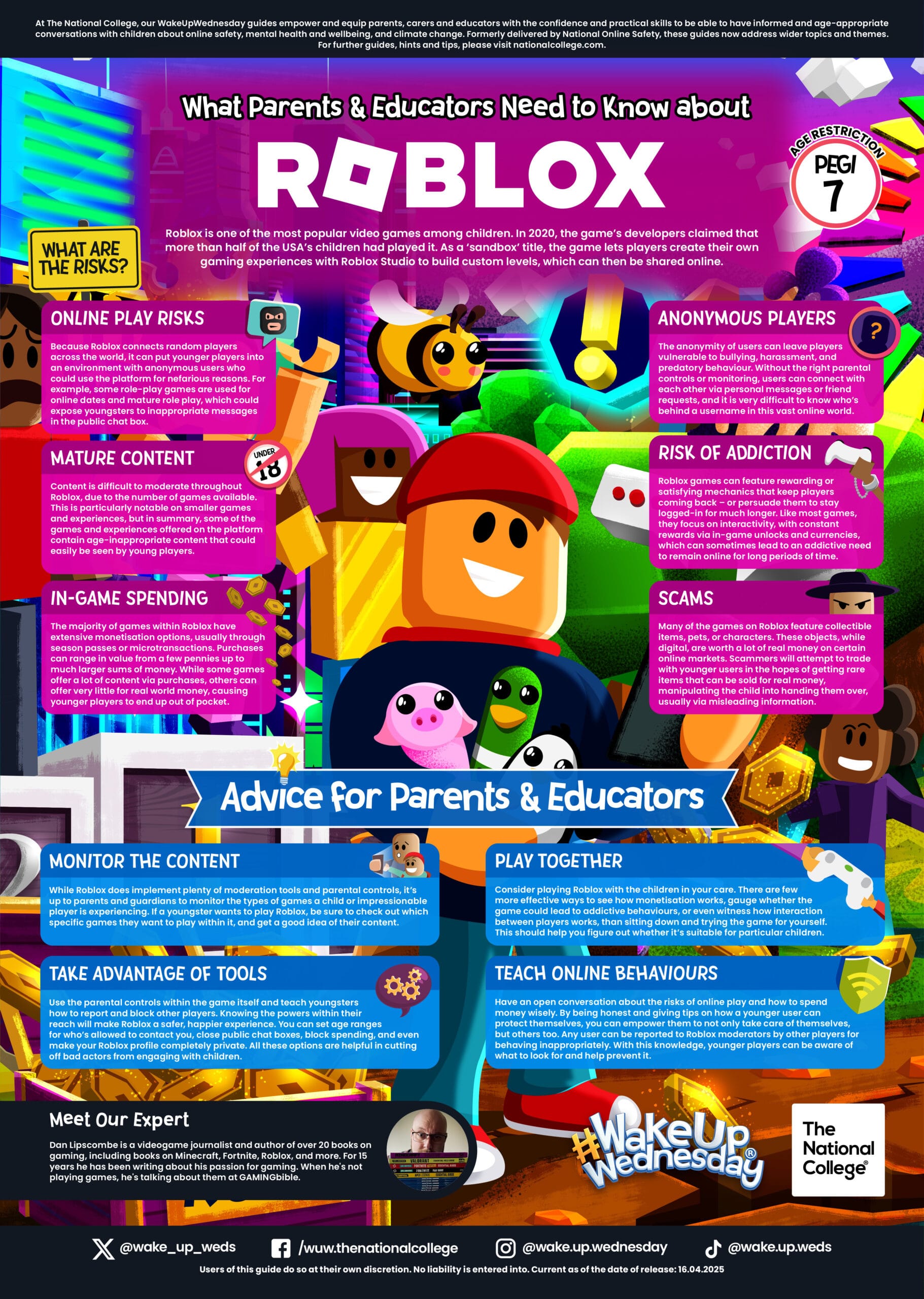
• Use devices together: Whether it is gaming on Roblox or using a new AI app, sitting down and using these tools together allows you to monitor content and model positive online behaviours.
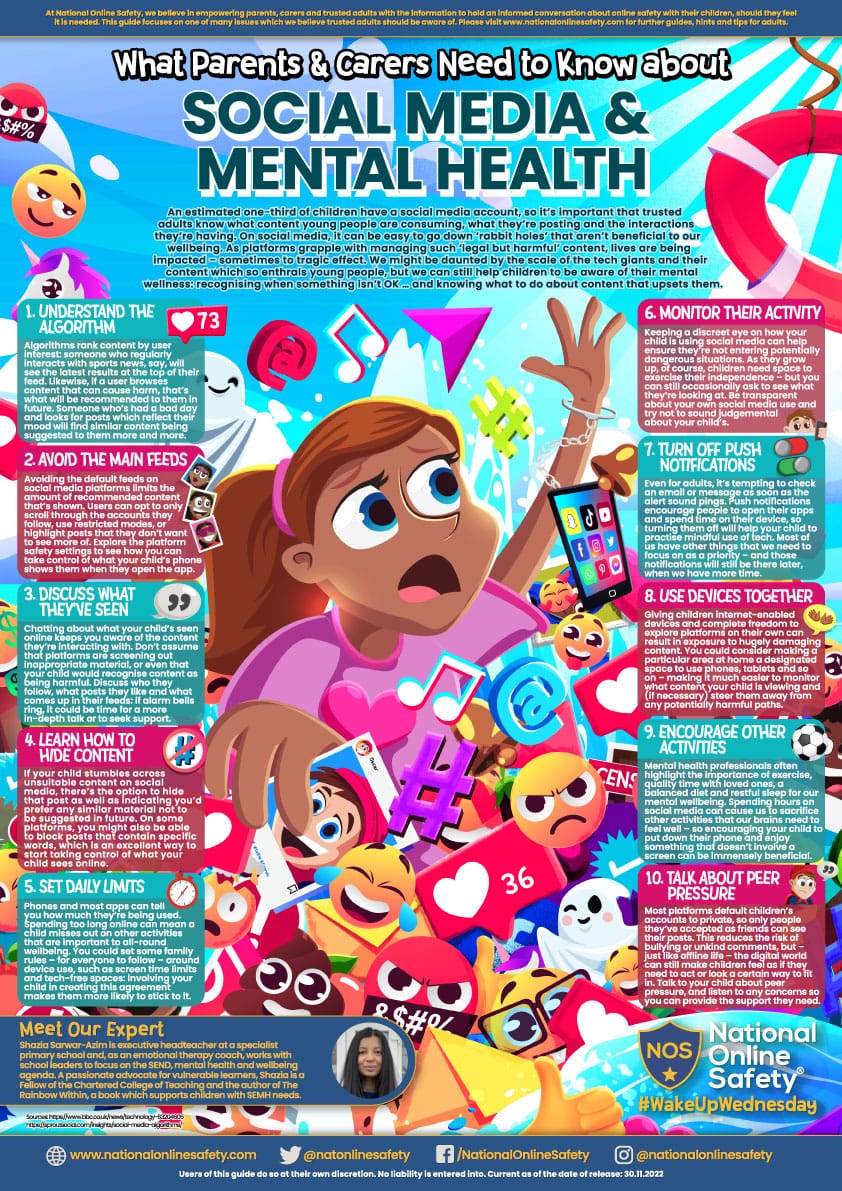
• Set daily limits: Managing screen time is vital to ensuring that digital exploration does not sacrifice a child’s sleep or emotional wellbeing.
• Open conversations: Don’t assume platforms are always filtering out unsuitable content. Talk openly with your child about what they see and hear online.
Downloadable Resources for Families
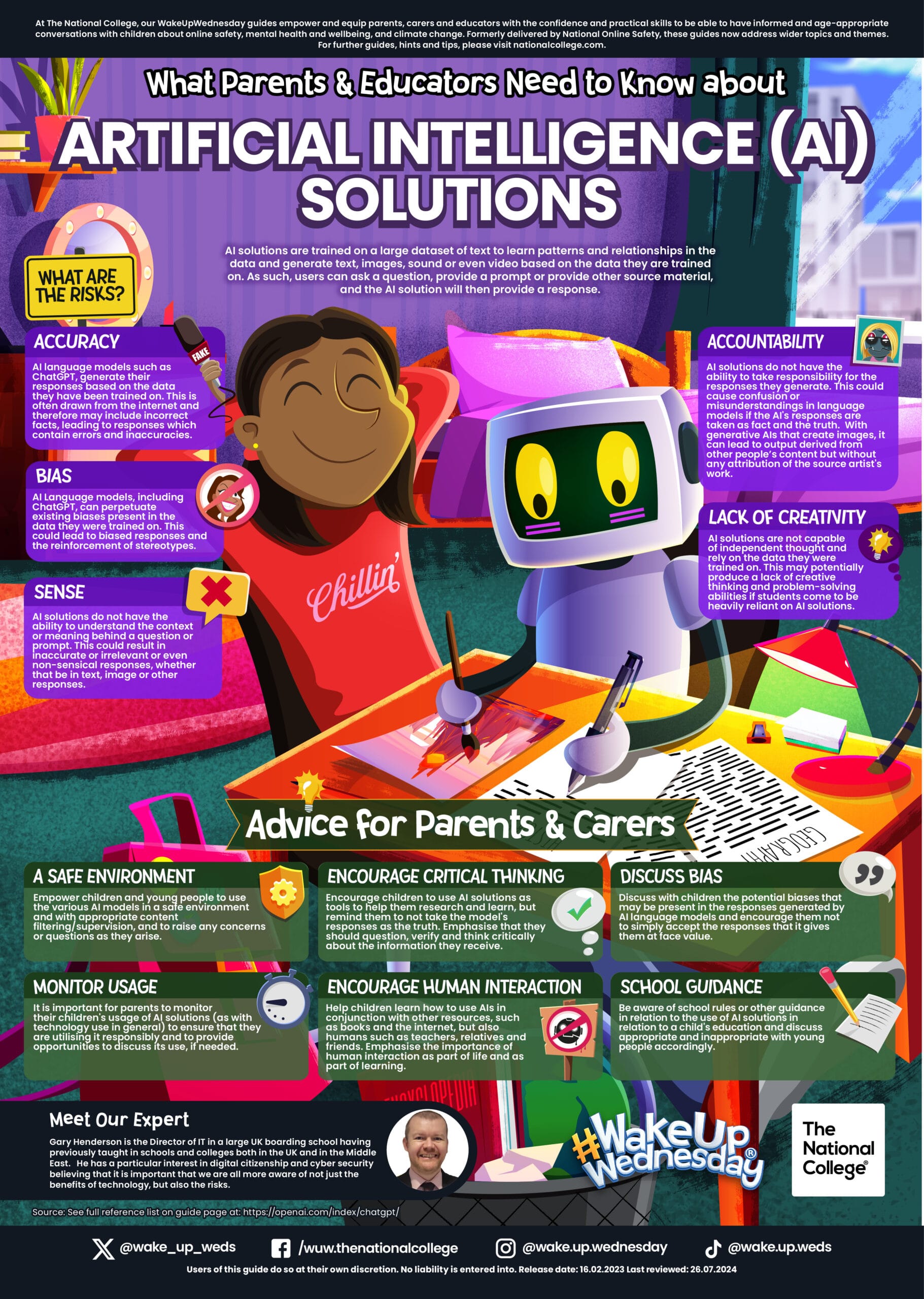
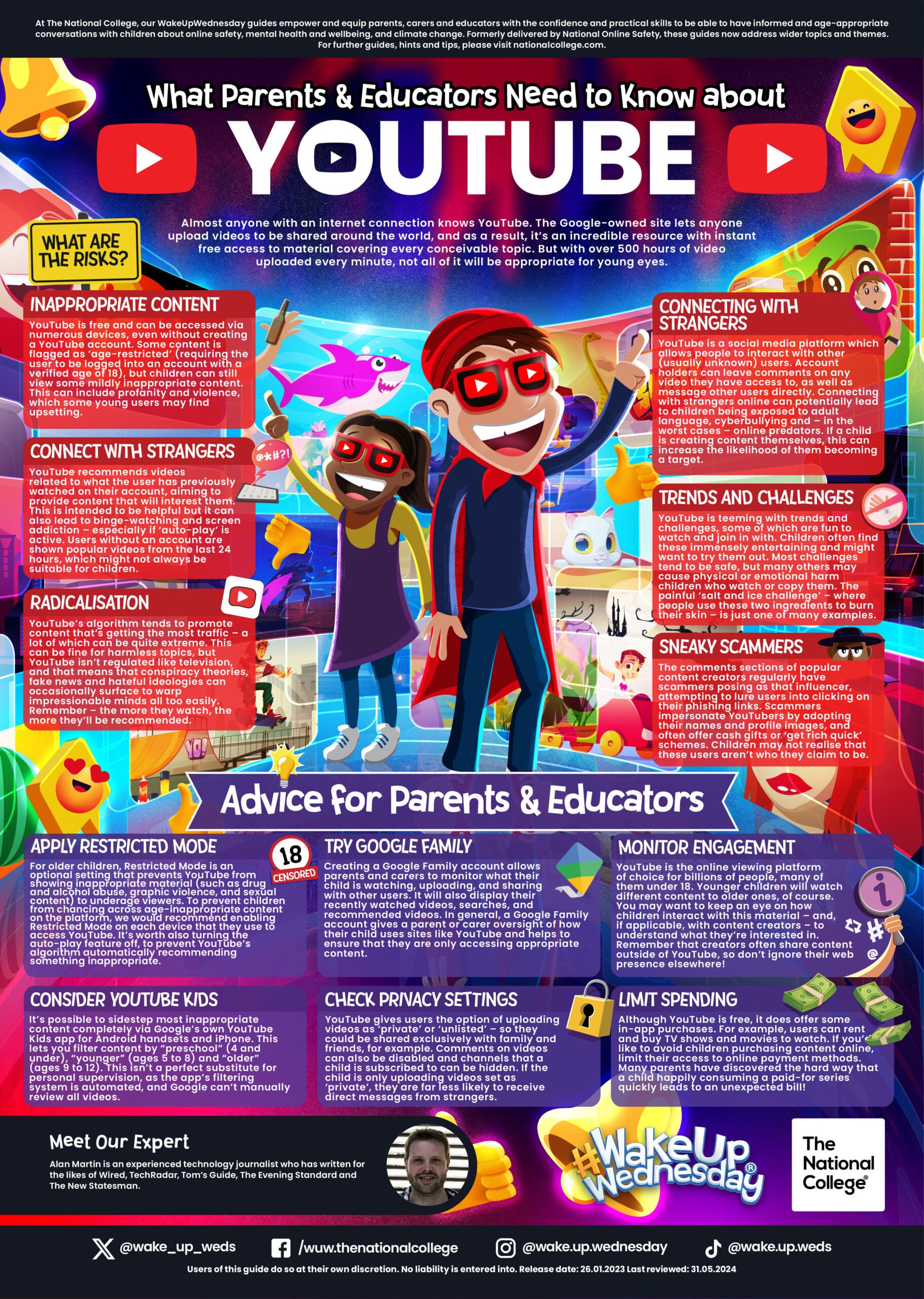
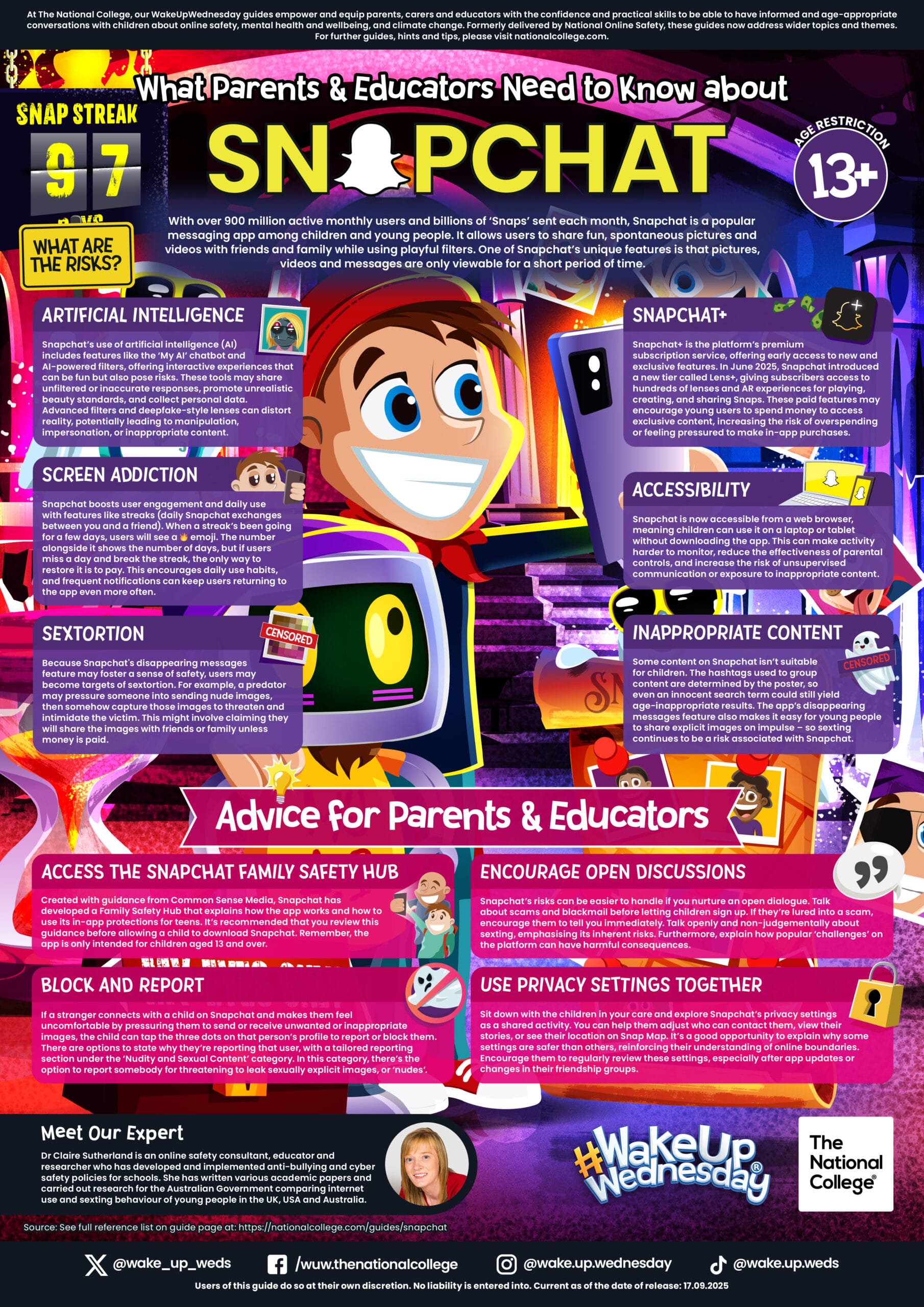
To help you establish these boundaries, we have made the following National Online Safety guides available for download. These posters provide at-a-glance advice on the risks and safety settings for the platforms our children use most:
artificial-intelligence-solutions Download
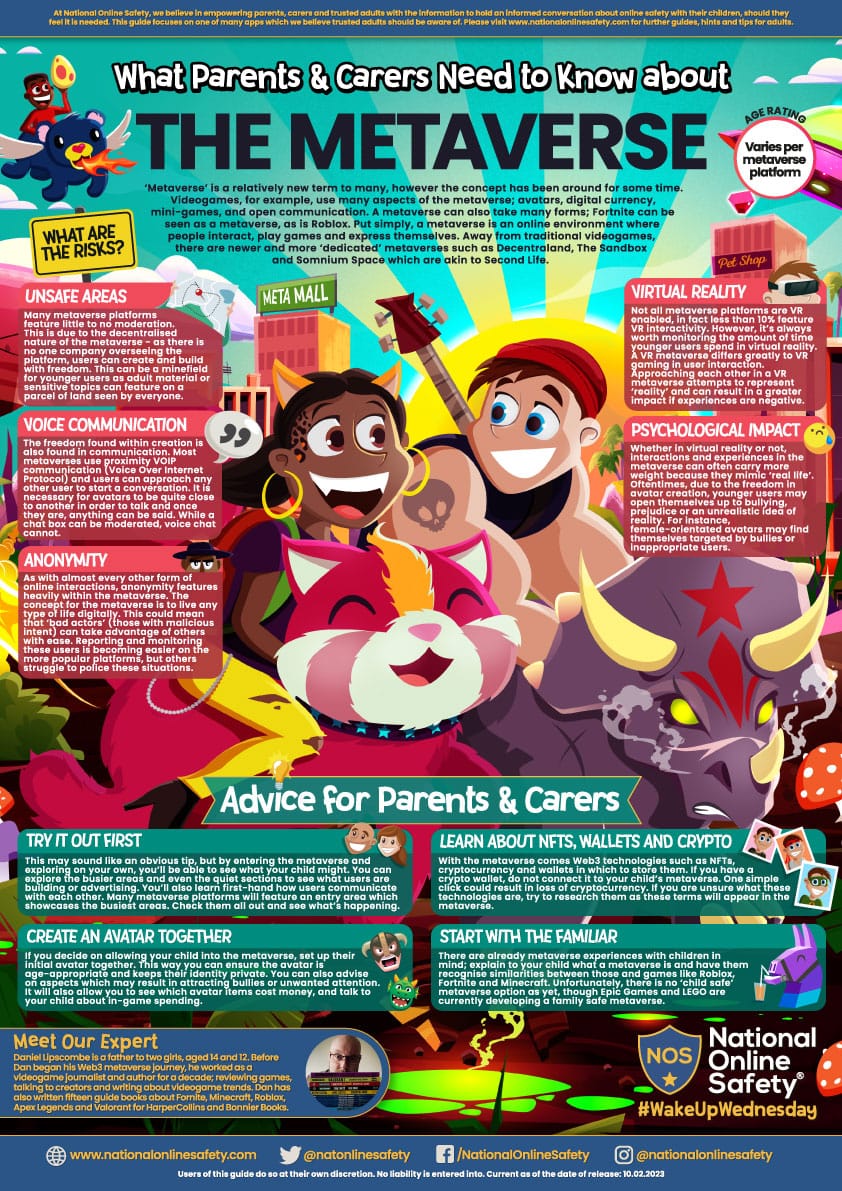
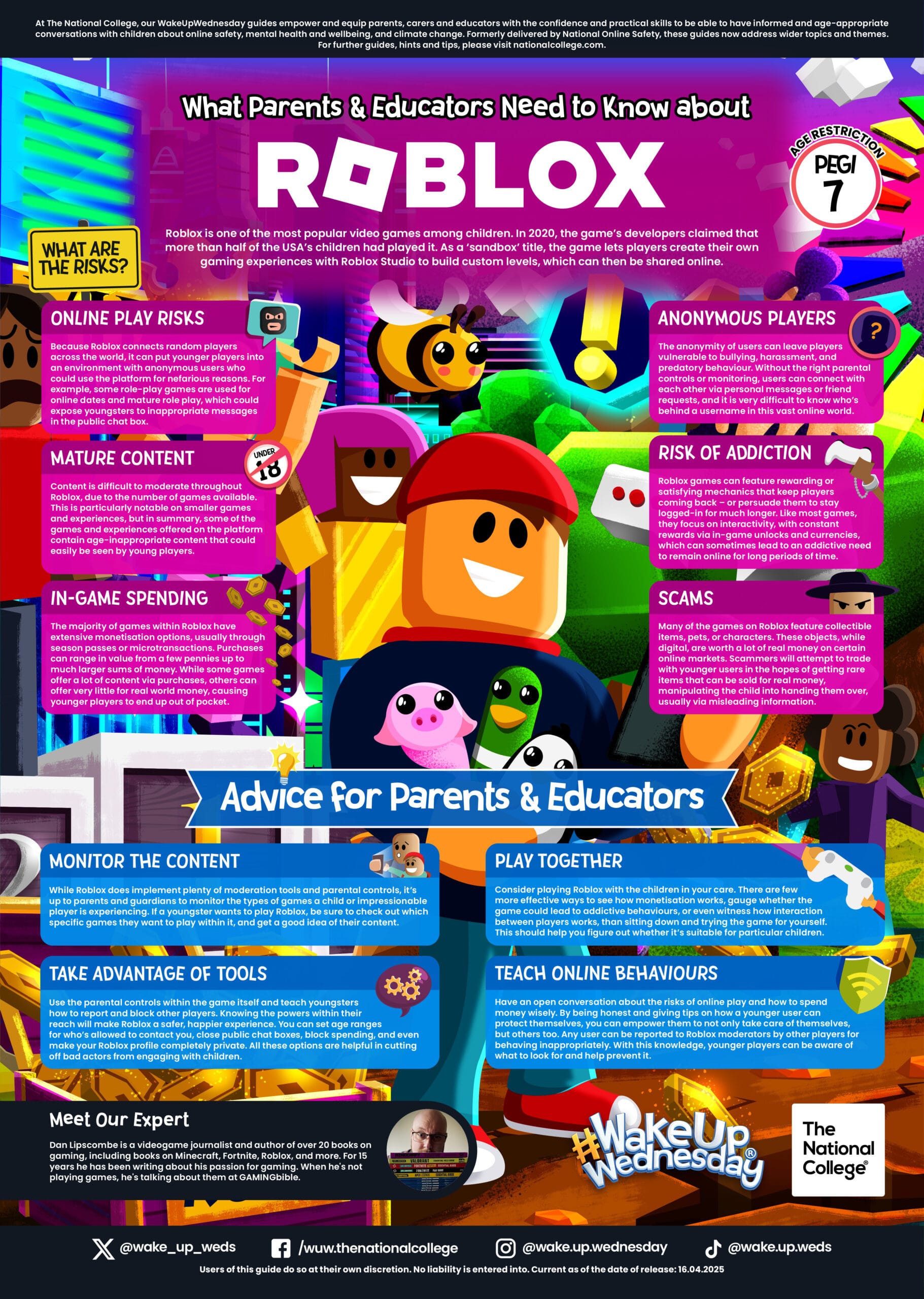
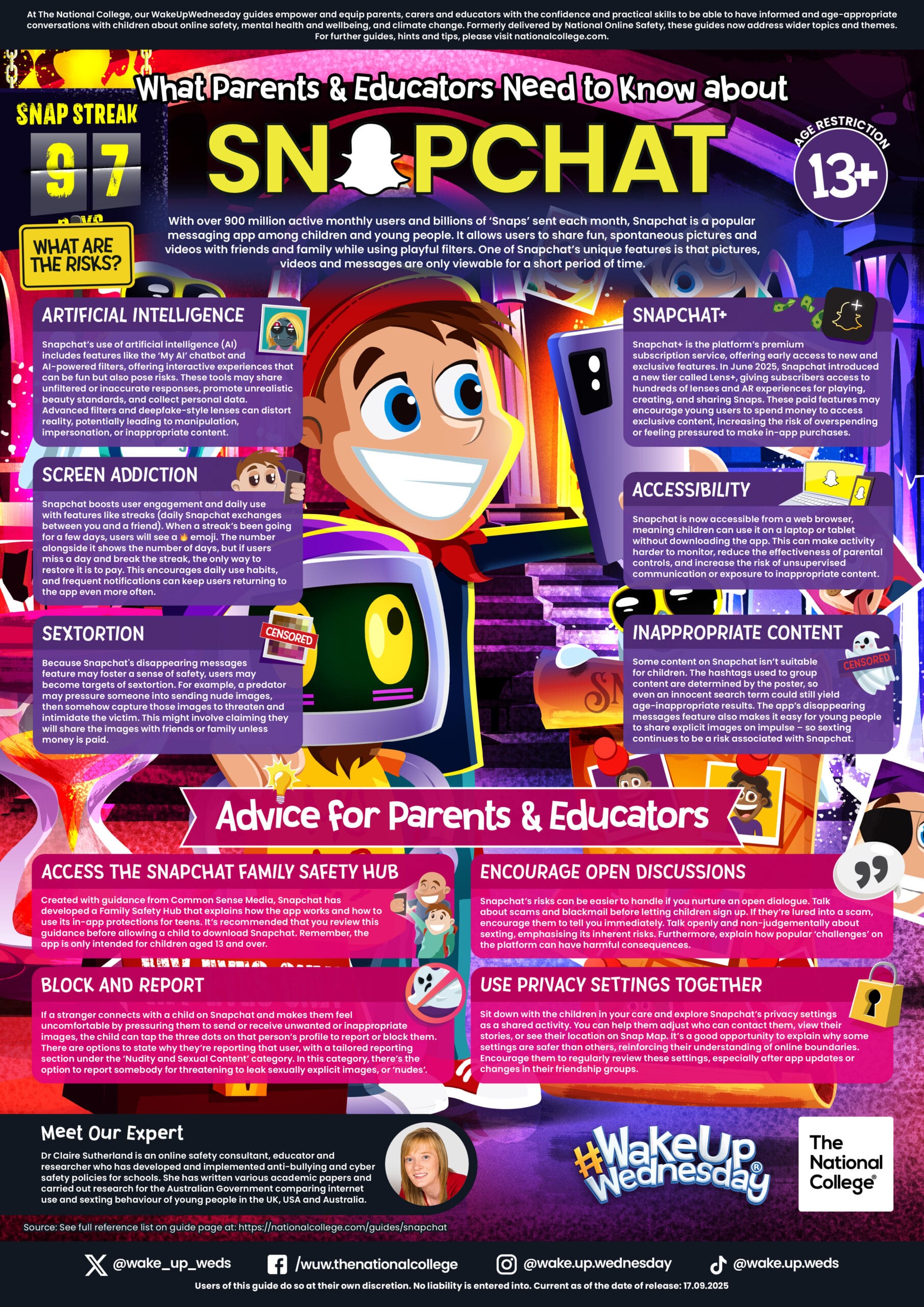
age-inappropriate-content Download
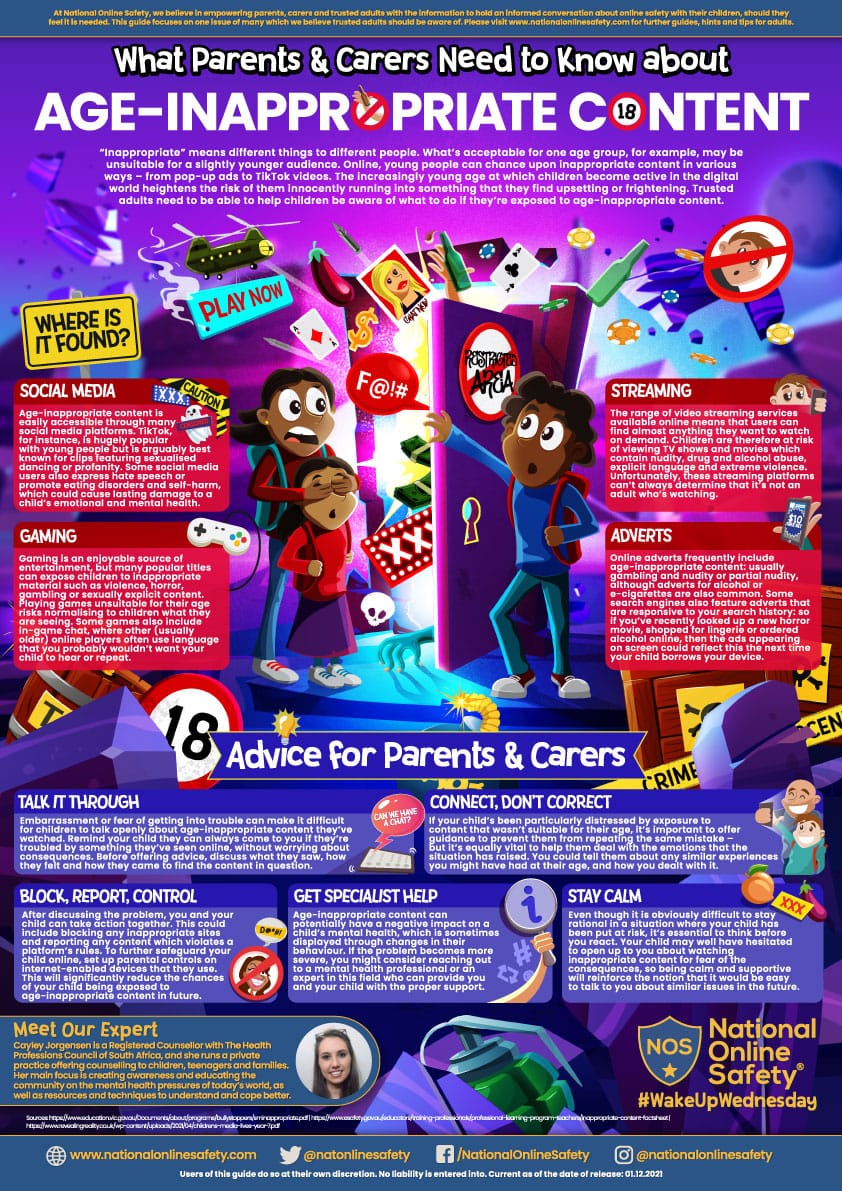
social-media-mental-health (1) Download
Need further support?
Key Resources & Signposting for Parents
Beyond our school community, several organisations offer vital support to ensure safer internet use:
• Childnet: Provides resources and strategies to help parents understand and manage online risks.
• NSPCC Online Safety: Offers tailored advice on setting up safety measures and managing social media or gaming.
• Internet Matters: Includes specific tools for managing device settings and age-appropriate safety tips.
• Childline: A confidential service (0800 1111) for children needing help with online issues.
• CEOP Safety Centre: The primary site for reporting online grooming or concerns about sexual abuse.
• “You Won’t Know until You Ask”: A UK government campaign designed to help parents discuss harmful online content.
Practical Actions for a Safer Digital Home
• Apply Layers of Protection: Use parental controls on devices and home networks to set time limits and restrict access.
• Understand the “4 Cs”: Be mindful of risks related to Content (inappropriate material), Contact (strangers), Conduct(cyberbullying), and Commerce (in-app purchases).
• Practice Safe “Sharenting”: Review your privacy settings and avoid posting photos that could reveal sensitive information or your child’s location.
• Monitor Screen Time: Follow age-appropriate guidelines to ensure digital use remains a positive part of their daily routine.
At The Element, we often use such toolkits and expertise to elevate the self-esteem, confidence, and resilience of every student. Together, we can empower them to make safe, smart choices in the digital world.
REFLECT – RESTORE – RE-ENERGISE